Hey there! Vercel!
11 Oct 2020Hi there!
So I was updating the README section of my Github profile and I found this amazing repository to add my Github Stats. Thanks to anuraghazra for this great repository.
But! But! But!
After I implemented the logic to showcase the stats, it just froze. The README section was show only a link to the repository.
Here comes the saviour in the picture! Vercel!
Vercel:
Vercel is a cloud platform for static sites and Serverless Functions that fits perfectly with your workflow. It enables developers to host Jamstack websites and web services that deploy instantly, scale automatically, and requires no supervision, all with no configuration.
Here is the documentation
So I had to deploy my forked repository on Vercel to create a specific Versel instance for my application.
Deployment on Vercel:
Deployment on Vercel is a straight-forward process. Below are quick points to Deploy on Vercel:
- Create a Vercel Account by logging through Github
- Select your repository to deploy
- Update the configs as per your requiremments.
- Thats it! Hit Deploy! You are good to go.
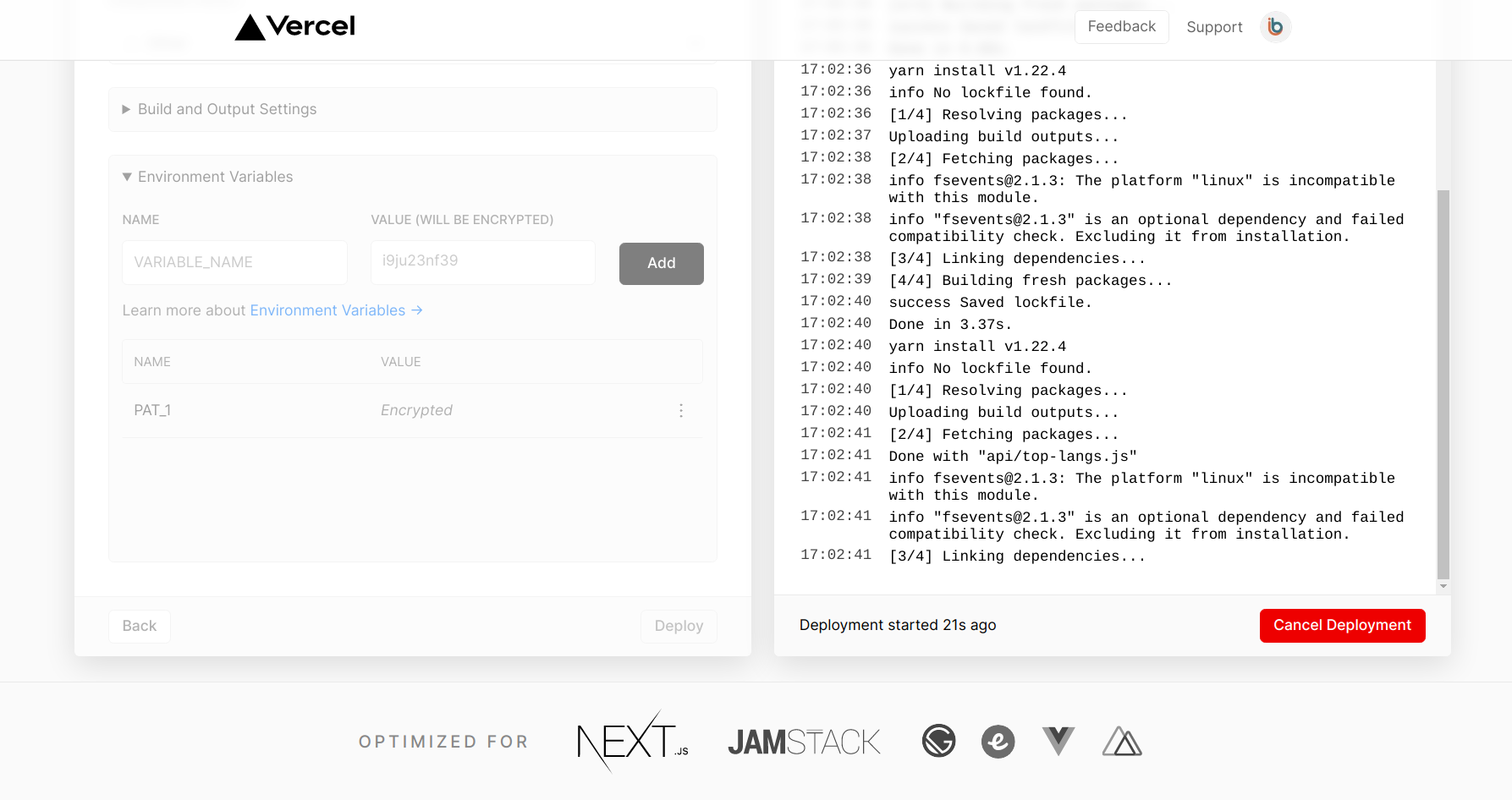
Personal Access Token: You might need to create a Personal Access Token from your Github Profile to authenticate Github from Vercel at the go. To create a PAT, Goto Settings -> Developers Setting -> Personal Access Token -> Generate PAT. Then the generated PAT can be added as an Environmental Variable in the Vercal App.
Below are the snapshots from the deploment of my instance:
Starting the deployment
Voila
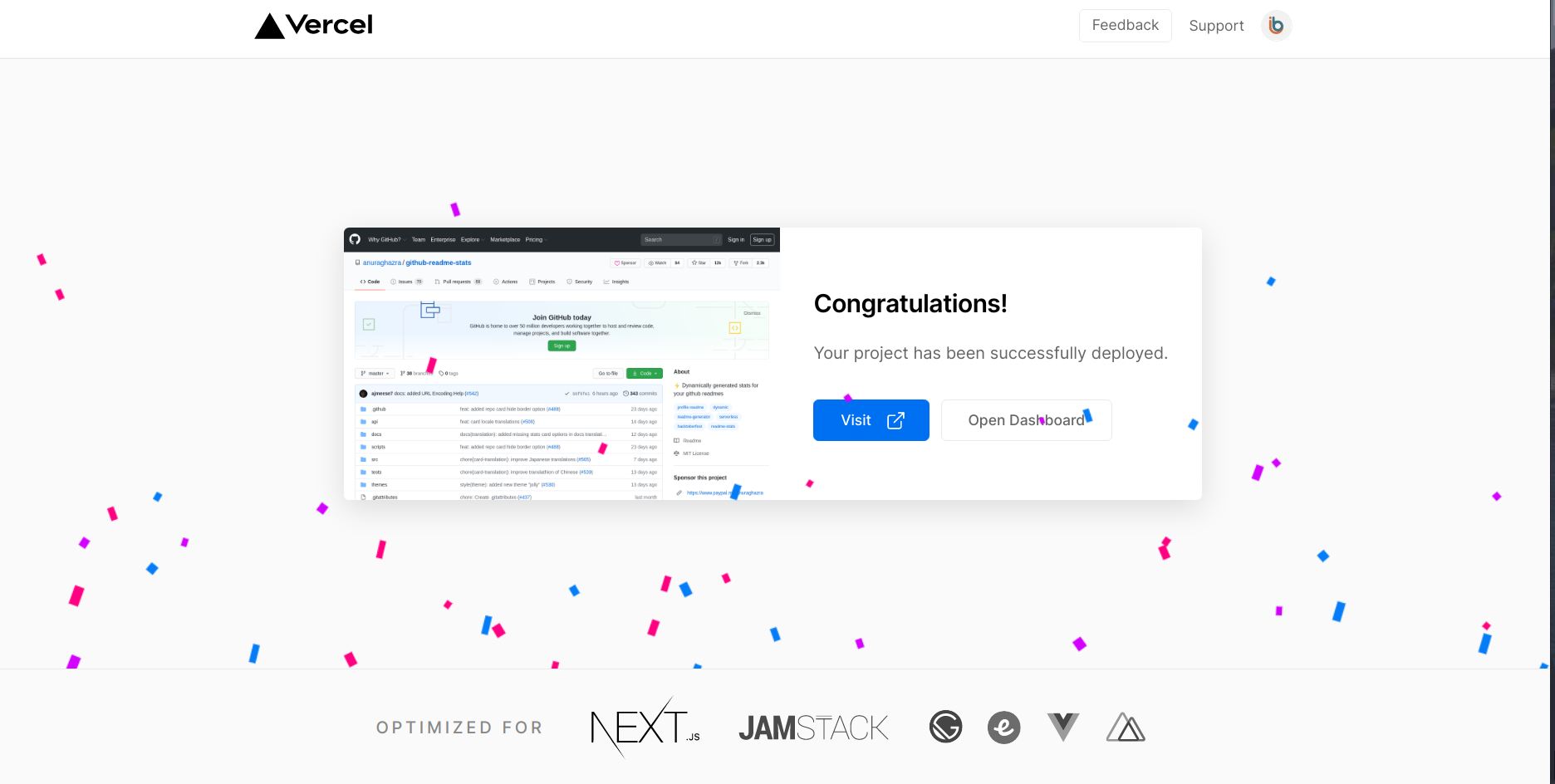
Finally:
Here is how the Stats appear on the Github Profile:

Yeah! Improving these stats is a goal of mine.
Lets catch-up in the next post.
Till then O/